
Dark
Depth of market – dark
$29.00
Discover a custom order book specially designed for the Sierra Chart platform.
Often referred to as the Sierra Chart dom, it is built with visually pleasing colors, facilitating the overall reading of each element that composes it.
Select the dark or light version configured for Sierra Chart.
$29.00

$29.00
This Depth of Market chartbook provides a clean Sierra Chart order book workspace for reading liquidity, volume and market activity. Choose the dark or light version, download it after purchase and install it directly on the platform.
The Depth of Market (DOM), or order book, lists the resting limit orders at each price: bids below the market, offers above it. Every time the market trades, those orders are filled, pulled or added to, and the DOM updates in real time. Scalpers read it to see where liquidity sits, how it reacts as price approaches, and whether aggressive orders are being absorbed. Sierra Chart's DOM can display dozens of columns; the hard part is choosing the few that matter and making them readable.
The DOM is built from market depth data, so your Sierra Chart data feed must provide depth for the symbol and it must be enabled. The volume columns also rely on tick by tick data: set Intraday Data Storage Time Unit to 1 tick in Global Settings >> Data/Trade Service Settings. The full checklist is in Sierra Chart DOM setup for futures.
Futures scalpers on ES, NQ, CL or similar markets who trade from the order book and want a clean Sierra Chart DOM layout without building it column by column. If you also want to see how liquidity evolved over the last minutes, not only the current book, the DOM with heatmap chartbook places a liquidity heatmap next to the same DOM.
These columns count executed trades, so they need tick by tick data and a live session. Outside market hours, or with intraday data storage set above 1 tick, they stay empty.
It shows the volume traded at the best bid and best ask as it happens. It clears automatically, so the column reflects recent activity instead of the whole session.
Markets where your feed provides real market depth: CME futures such as ES, NQ, CL or GC, and other exchange-traded contracts. Spot forex feeds rarely provide a centralized order book, so a DOM on them shows much less.
After payment you download a .zip file. Follow the step-by-step installation guide to open it in Sierra Chart.
A real-time data feed in Sierra Chart with market depth data enabled, because the order book and liquidity views are built from it.
Any instrument available in your Sierra Chart data feed.
Both are identical apart from the colors. Pick the one that matches your Sierra Chart theme.
Most display issues come from data or chart settings. See Sierra Chart chartbook not displaying correctly.
New to the Sierra Chart Trade DOM? Learn what the main DOM columns show, how to read the market depth ladder, and how to arrange a clean DOM workspace you can scan quickly.

Set up the Sierra Chart Historical Market Depth Graph as a liquidity heatmap. Covers the data prerequisites for past depth, the color scaling options and checks for ES, NQ and CL.
How to set up a usable Sierra Chart Trade DOM for futures: enable market depth data, choose market depth columns, match tick size and build a clean DOM layout.
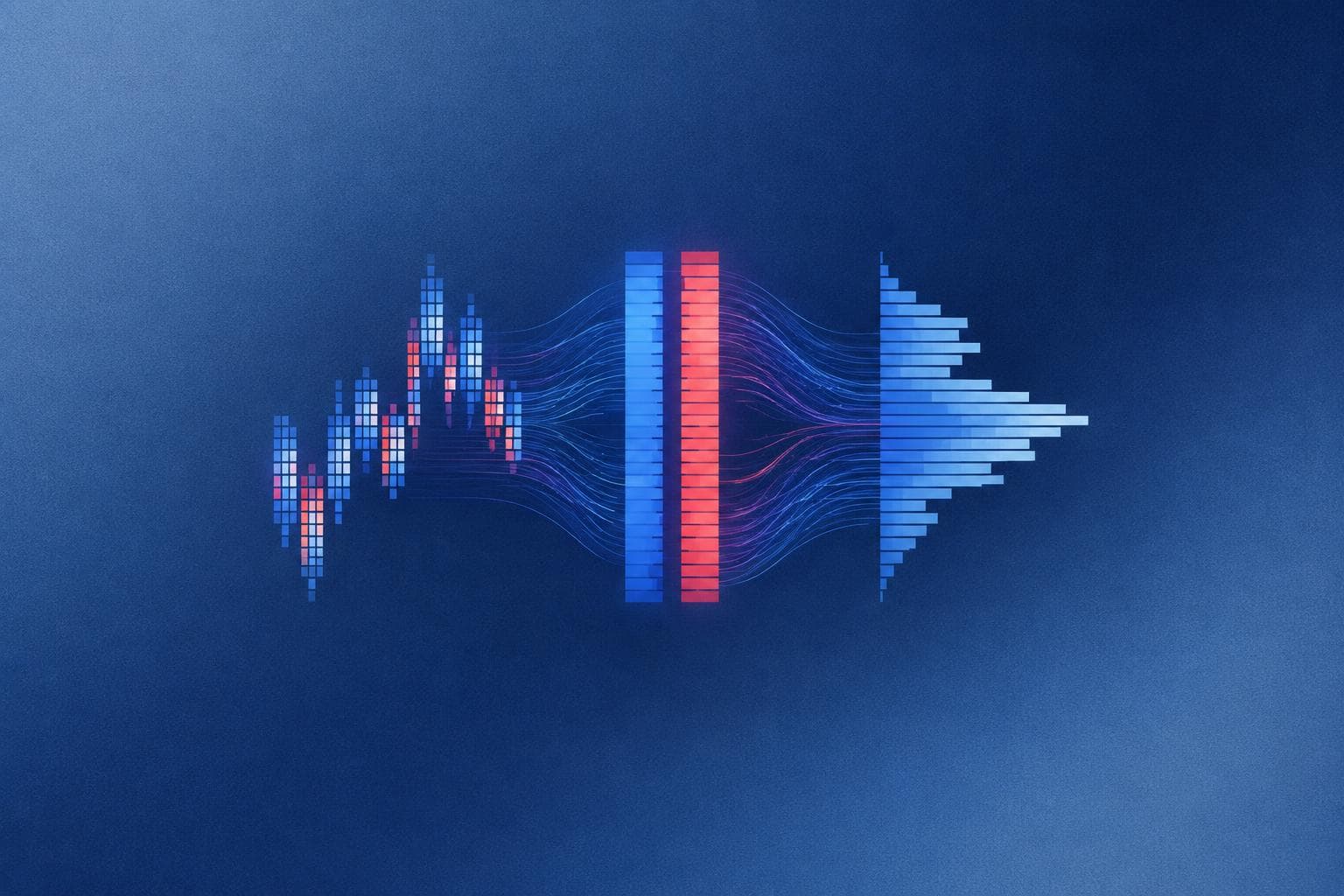
Before opening a premade Sierra Chart chartbook, map each chart and study to the data it needs: historical intraday data, tick data or market depth data, and spot what is missing.
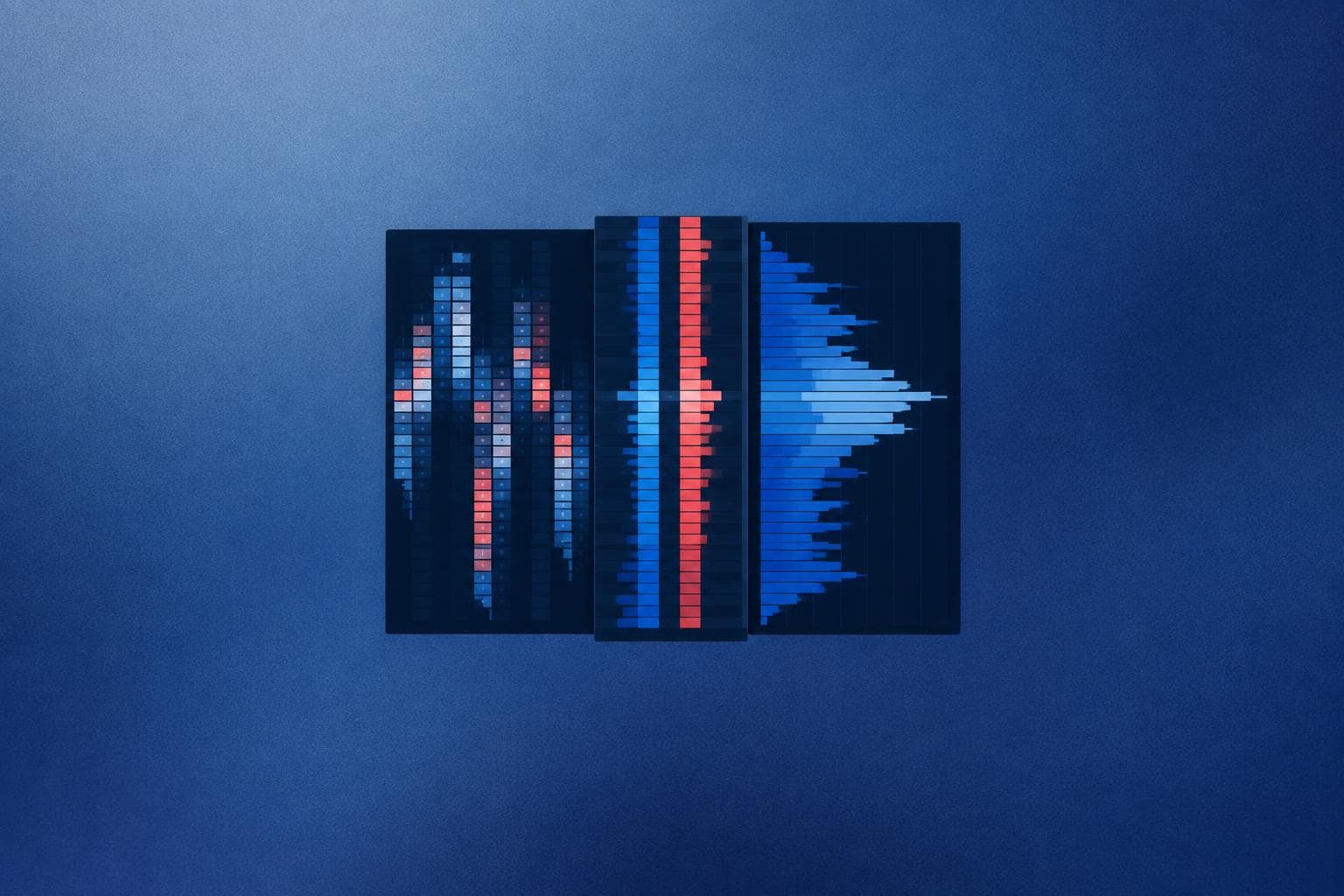
Learn how a Sierra Chart order flow chartbook template links footprint, DOM and profile views into one workspace, plus a practical checklist for judging any premade layout.

Compare the main categories of Sierra Chart order flow tools by workflow, required data and setup effort, so you can pick what fits your market and routine.