Sierra Chart chartbooks

Custom, ready-to-use chartbooks for DOM, footprint, heatmap and market profile.

Ready-to-use charts for Sierra Chart

Discover custom chartbooks on this page, ready to use for the Sierra Chart platform. Each chart is customizable and can be configured according to your preferences.

Each chartbook is a Sierra Chart template you download as a .zip file right after payment. The order book and heatmap chartbooks need market depth data enabled in your Sierra Chart data feed. Not sure how to install one? Follow the installation guide.

Any beginner on Sierra Chart knows that this platform is very complicated to master, there are so many parameters. Building a chart from scratch without knowledge can easily take more than a week. That's why I offer professional, ready-to-use charts here to save you time.

Once your purchase is complete, you can directly download the chartbook. Installation on the platform takes only a few seconds, and you can use it immediately. Everything has been configured so that the chart is directly functional, you won't have to configure anything.

The chartbooks are available in light and dark versions, according to your preferences.

Individual chartbooks

Each chartbook is built for a specific way of reading the market. Choose the dark or light version.

Depth of Market chartbook for Sierra Chart, dark version

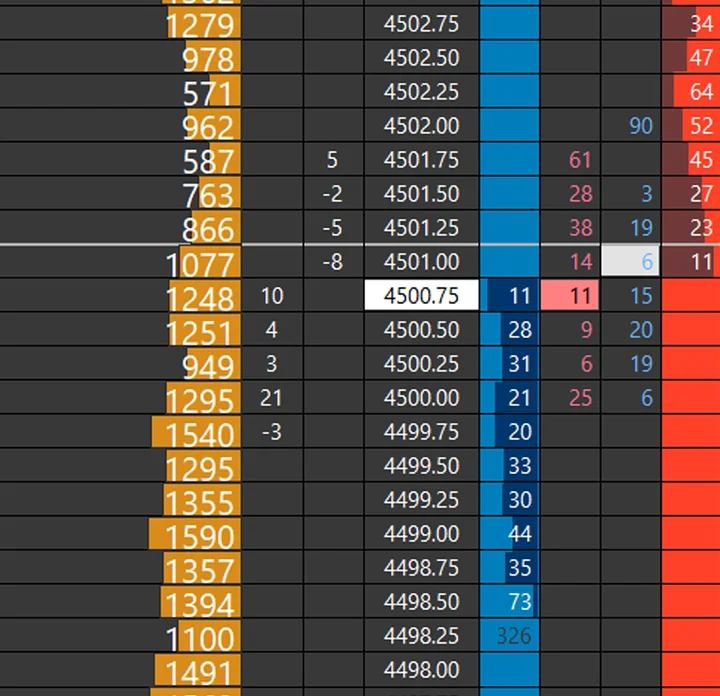
A custom order book for Sierra Chart, with clean colors that make every element easy to read.

  • VWAP (Volume-Weighted Average Price)
  • A daily volume profile that automatically resets each day
  • The POC (Point of Control), value area, and Value Area Low and High
  • An inside print with auto clearing to see imbalances
  • +2 more features
View Depth of Market details
Footprint chartbook for Sierra Chart, dark version

Footprint

$29.00

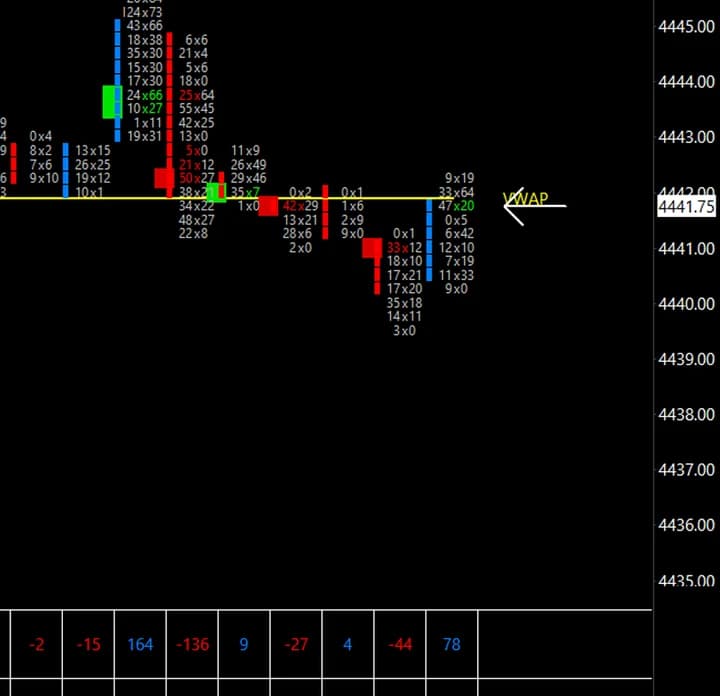
The volume inside every candle, with imbalances highlighted so opportunities stand out at a glance.

  • VWAP Daily (Volume-Weighted Average Price) display with SD3 and SD4 levels
  • VWAP Monthly display
  • Visual imbalances set to 400%
  • A table showing the Delta and Volume of each candle
  • +1 more features
View Footprint details
Market Profile chartbook for Sierra Chart, dark version

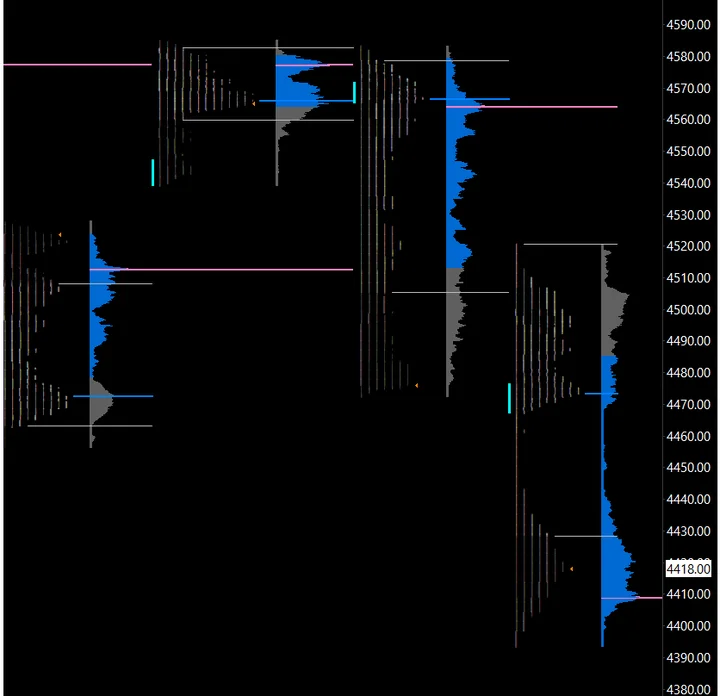
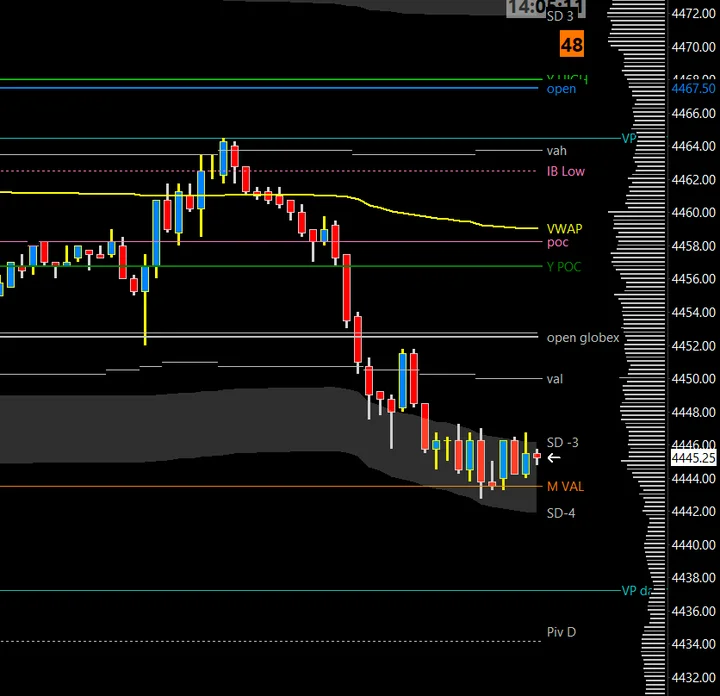
TPO and volume profile to read market structure, key levels and volatility.

  • TPO chart with letters
  • Daily volume profile
  • TPO VAL/VAH/POC
  • Volume profile VAL/VAH/POC
  • +3 more features
View Market Profile details
Heatmap chartbook for Sierra Chart, dark version

Heatmap

$29.00

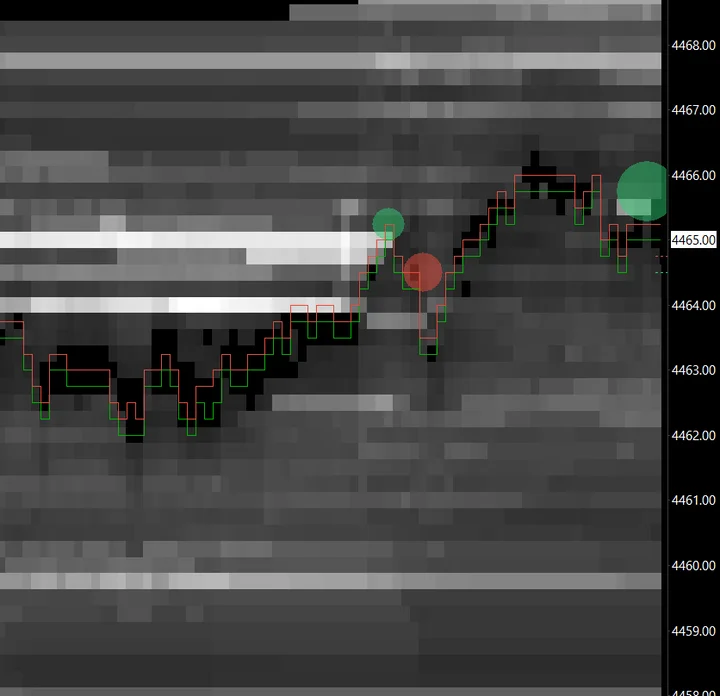
A real-time view of order book liquidity, to spot high-activity zones and absorptions quickly.

  • Automatic adjustment of line colors to see important liquidity zones
  • Representation of bid and ask lines
  • Visual bubbles representing market orders to see absorptions more efficiently
View Heatmap details
1 Minute Chart chartbook for Sierra Chart, dark version

The scalping chart, with every key level of the session plotted automatically.

  • Cash session opening price
  • VWAP Daily with SD3/SD4 levels
  • VWAP Quarterly
  • VWAP Monthly
  • +6 more features
View 1 Minute Chart details
DOM with Heatmap chartbook for Sierra Chart, dark version

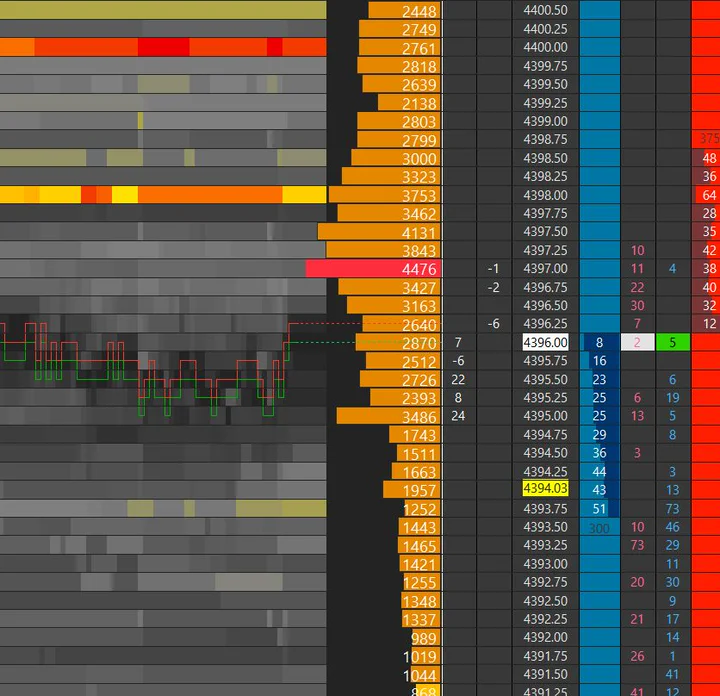
The order book and a liquidity heatmap side by side. The chart I use every day for scalping.

  • VWAP (Volume-Weighted Average Price) display
  • Volume Profile of the current day that resets each day
  • POC (Point of Control), Value Area, and Value Area Low and High
  • An inside print with automatic cleaning to display imbalances automatically
  • +3 more features
View DOM with Heatmap details

Complete chartbook packs

Get several chartbooks together at a lower price than buying them one by one.

Pack No.1

$145.00$99.00

You save $46.00

Included

  • Depth of Market chartbook
  • Footprint chartbook
  • Market Profile chartbook
  • Heatmap chartbook
  • Chart 1 Minute chartbook
View Pack No.1 details

Pack No.2

$126.00$99.00

You save $27.00

Included

  • Depth of Market with Heatmap chartbook
  • Footprint chartbook
  • Market Profile chartbook
  • Chart 1 Minute chartbook
View Pack No.2 details

How to choose a Sierra Chart chartbook

Each chartbook answers a different question about the market. Start from the one you ask most often:

If you want to seeStart with
Who was aggressive at each price inside the candleSierra Chart footprint chart template
The order book and market orders in real timeSierra Chart DOM template
How liquidity built up or vanished over the last minutesSierra Chart heatmap template
The order book and its liquidity history side by sideDOM with heatmap chartbook
Value areas, POC and session structureMarket profile (TPO) template
Every key level of the day on a fast chart1-minute scalping chartbook

If you trade from several views, a pack costs less than buying the chartbooks one by one: pack no.1 groups five chartbooks around the DOM and the heatmap, pack no.2 groups four around the DOM with heatmap.

What a chartbook is

In Sierra Chart, a chartbook is a single file that saves a complete workspace: the chart windows, their symbols and chart settings, every study with its inputs, and the window layout. A study collection only saves a set of studies to apply to an existing chart. That is why a chartbook is the right format for a ready-to-use Sierra Chart template: you open one file and get the whole layout. The differences are detailed in study collection vs chartbook.

Sierra Chart templates vs building your own

Sierra Chart is powerful but hard to configure. A footprint built with Numbers Bars, a DOM with useful columns or a readable heatmap each involve dozens of settings, and making them legible takes time. These templates are the layouts I trade with, so you start from a working chart and adjust it instead of starting from an empty one. Everything stays editable: colors, studies, bar period and symbols. To change a chartbook without losing the original, follow how to customize a Sierra Chart chartbook.

What data each chartbook needs

  • Footprint, market profile and 1-minute chart: a real-time data feed for your instrument. The footprint also needs tick by tick data, with Intraday Data Storage Time Unit set to 1 tick.
  • Depth of market, heatmap and DOM with heatmap: market depth data enabled in your Sierra Chart feed for the symbol, plus tick by tick data for the trade columns.

The chartbook data requirements guide maps each feature to the data behind it.

Installation

After payment you download a .zip file containing the chartbook. Installing it takes a few minutes: the step-by-step version is in how to install a Sierra Chart chartbook, and chartbook not displaying correctly covers what to check if a chart opens blank.

Frequently asked questions

What is the difference between a Sierra Chart chartbook and a template?

A chartbook is the Sierra Chart file that stores a whole workspace. "Template" is the usual name for a ready-made chartbook you load and then adapt. Each product on this page is delivered as a chartbook file inside a .zip.

Which chartbook is best for scalping?

The DOM with heatmap is the one I use every day for scalping. The 1-minute chartbook adds the key levels of the session on a fast chart.

Do the chartbooks work with any data feed?

They work with the feeds Sierra Chart supports, as long as the feed provides what the chartbook reads: trades for all of them, tick by tick bid and ask data for the footprint, and market depth for the DOM and heatmap chartbooks.

Can I modify a chartbook after buying it?

Yes. Colors, studies, inputs, bar periods and symbols all stay editable. Save a copy first so you can always go back to the original layout.